Raindance AI Video Generator

Upload one photo. Get a 15-second music-video clip in the viral style.

One photo · one vertical clip

Create your video

Use a clear, front-facing photo with your whole face visible

First generation free · 15 seconds · No app download

Silent video · add authorized sound inside TikTok or Instagram

One photo to one vertical scene

Preview the visual direction.

Choose a clean portrait, then preview the fixed cinematic look before generating. These illustrations are layout previews, not claimed user results; the final identity and details depend on the uploaded photo.

Portrait photo before using the Raindance AI video generator
Before · portrait
Portrait photo turned into the Raindance AI music video clip
After · vertical frame
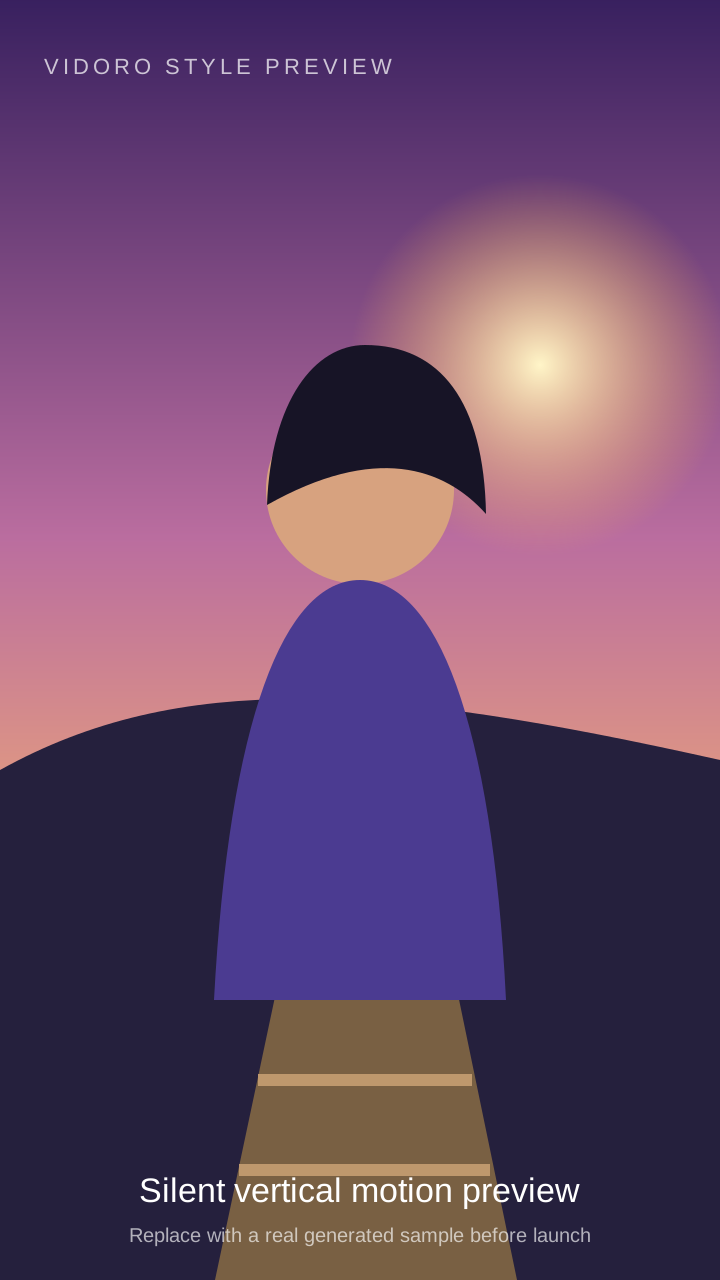
Silent 15-second Raindance style motion preview (illustrative placeholder)

No audio track. Add authorized sound in TikTok or Instagram after download.

The format

What is the Raindance AI video format?

The Raindance AI video generator is a focused one-photo workflow for making a short, vertical music-video visual. Instead of asking you to describe a character, lens, environment and movement in a long prompt, Vidoro starts with one recognizable format. You supply the identity through a portrait; the template supplies the 9:16 composition, cinematic atmosphere and restrained performance.

People are sharing this type of clip because it transforms an ordinary portrait into something that feels directed. A still face becomes a continuous performance with eye contact, natural weight shifts and small gestures. The result is short enough to understand immediately in a social feed, while the vertical framing gives the subject enough screen space to remain recognizable on a phone.

The Raindance AI video generator creates only the visual. It does not include a song, vocals, speech or a hidden audio track. The music associated with the format is copyrighted, so Vidoro does not redistribute it or combine it with a paid generation. After downloading the silent MP4, use TikTok or Instagram's own Add sound control and select an authorized sound from that platform's library.

That separation is intentional. It keeps the generated asset useful as a clean visual and lets each publishing platform handle music rights, availability and regional restrictions through its licensed catalog. It also means you can reuse the same visual on Reels or Shorts and choose an appropriate sound separately on each service.

Identity quality begins with the input. The model must infer a stable face from a single image while also creating frames that never existed in the source photo. Clear eyes, a visible jawline, even illumination and an unobstructed hairstyle give it more consistent evidence. A tiny face, extreme angle or strong beauty filter removes detail the animation stage needs.

How it works

One input. Three clear steps.

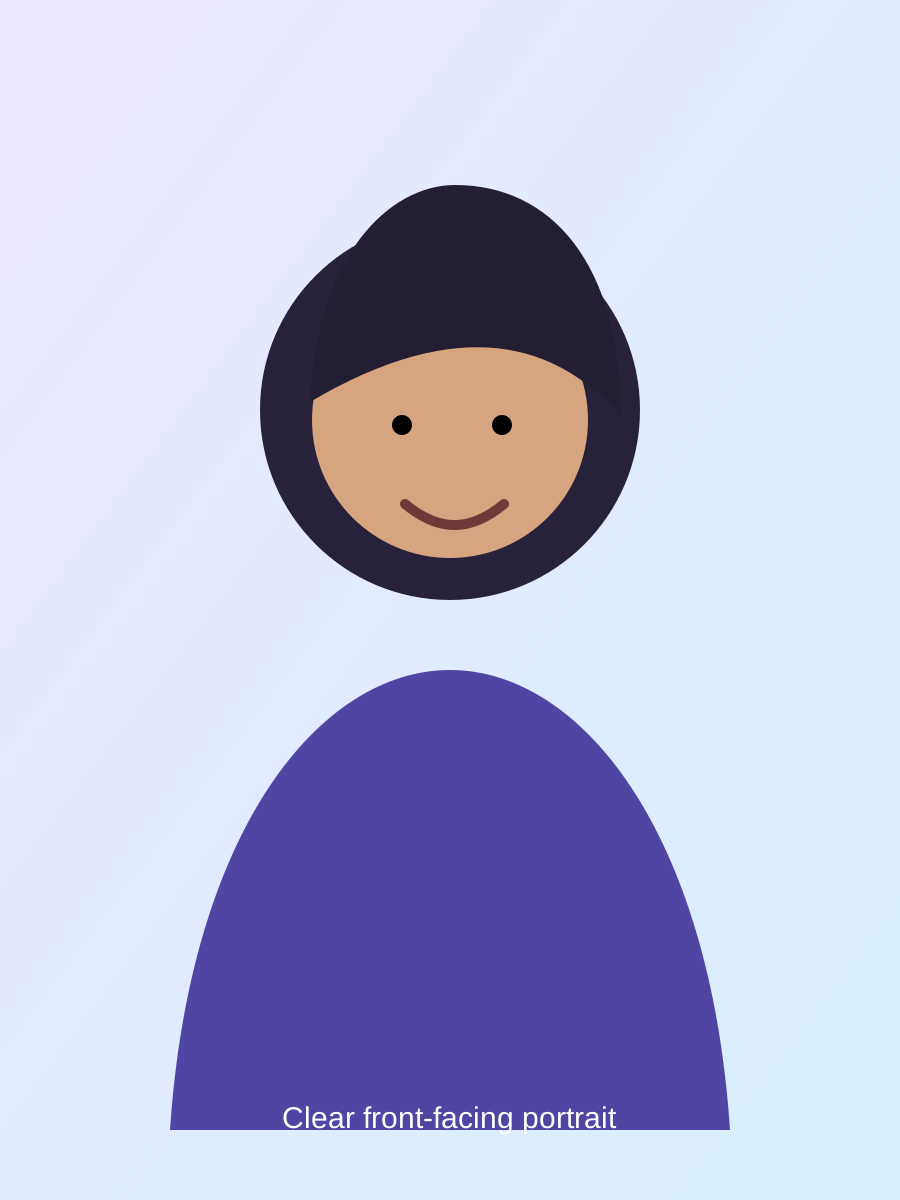
  1. Front-facing portrait prepared for the Raindance AI video generator
    01

    Upload one front-facing photo

    Choose a clear portrait where the face is large, evenly lit and unobstructed. One person should be visible; a simple background helps the model separate identity from the source scene.

    Tip: a recent eye-level photo usually preserves facial proportions better than a distant crop.

  2. Raindance AI video generator style preview in violet light
    02

    Pick the Raindance style

    Review the vertical style previews and keep the selected cinematic format. The environment, composition and motion direction are already defined, so there is no prompt to write.

    Tip: preview the full 9:16 frame before starting so you know how the subject will be composed.

  3. Finished vertical Raindance AI video clip preview
    03

    Generate and download your 15-second clip

    Start the task, leave the result tab available while it processes, then preview and download the silent MP4. Add authorized sound later inside your social platform.

    Tip: save the finished file promptly because provider download links can expire.

Audio and copyright

Adding the sound after generation

Vidoro delivers a silent MP4. The publishing platform is the right place to add music it is authorized to offer.

  1. 1

    Open TikTok or Instagram

    Create a new post and choose the 15-second video you downloaded from the result page. Confirm that the full 9:16 frame is visible before moving to the audio step.

  2. 2

    Upload the generated visual

    Keep the clip at its original length and avoid stretching it. The motion is timed as a complete 15-second performance, so trimming the beginning can make the entrance feel abrupt.

  3. 3

    Choose Add sound

    Search for Raindance inside the platform's licensed music library and select the sound available in your region. Preview the alignment, adjust the start point if needed, then publish from the platform.

Practical fixes

Fixing the most common Raindance AI issues

The face does not look like the portrait

Replace the input with a larger, sharper front view. Remove sunglasses, masks and photos where hair or hands cover the eyes, nose or jawline. Avoid screenshots that have been repeatedly compressed. If the portrait contains several people, crop it so only the intended subject remains, but leave enough room around the head for a natural composition.

Motion looks rough or distorted

Use a neutral source pose with shoulders visible and avoid an extreme close-up. Strong side profiles make the model invent more unseen facial structure during movement. If hands are already crossing the face in the source, choose another photo so the animation begins from clean anatomy and an unobstructed identity.

The generation fails

Check that the file is JPEG, PNG or WebP, is under 10 MB and contains one visible person. A provider timeout or safety rejection can also stop a task. The result page never submits an automatic paid retry. When a paid task fails, its held credit is returned; review the status, replace the photo if needed and start a new attempt yourself.

Made for vertical feeds

Where to post your Raindance AI video

The finished clip is 9:16 and 15 seconds long, so it fits the native canvas used by TikTok, Instagram Reels and YouTube Shorts. That length gives the movement time to establish a mood without asking viewers to wait through a long introduction. It also leaves room for a caption, sound selection and platform-native effects.

TikTok

Upload the silent file, use Add sound, select an authorized library result and check the audio start point.

Instagram Reels

Keep the full vertical frame, then choose music from Instagram's licensed catalog before sharing.

YouTube Shorts

Upload the vertical visual as a Short and choose suitable licensed audio through YouTube's creation tools.

Music availability can differ by country, account type and platform. If a particular sound is unavailable, do not download and re-upload an unauthorized copy. Choose another sound offered by the platform or publish the visual silently.

Focused by design

Raindance AI generator vs. other AI video tools

General video generators are useful when you want to invent a new world from text, but they ask you to make many decisions. You may need to specify the camera, lighting, wardrobe, movement, duration and aspect ratio, then rewrite the prompt when one detail drifts.

This Raindance AI video generator is for a narrower goal. One portrait supplies the identity, a fixed vertical template supplies the direction, and the service handles the start frame and motion. You do not need editing experience or prompt-writing knowledge.

The fixed format also makes attempts easier to compare. If one source portrait performs better than another, the environment and output length remain consistent. You can judge identity and motion rather than wondering whether a rewritten scene description changed the result.

Choose this tool when you want this specific short-form visual. Choose a general generator when you need an original location, multiple characters, dialogue, a custom camera plan or an entirely different duration. A focused workflow is simpler, but it is not meant to replace open-ended filmmaking.

FAQ

Before you generate.

Do I need to sign up?

No. Your first generation is free, and you can start without creating an account or entering a credit card.

What photo works best?

Use a sharp, front-facing portrait with even light and the entire face visible. Avoid strong side profiles, sunglasses, heavy shadows, motion blur, hands over the face and large obstructions.

Does the video come with the song?

No. The downloaded video is silent because the original music is protected by copyright. Upload the finished visual to TikTok or Instagram and add the authorized sound from that platform's music library.

What exactly is the Raindance AI format?

It is a short vertical music-video visual made from one portrait. The fixed format gives the subject a cinematic environment and restrained performance motion without requiring the user to write a prompt.

How long does it take?

Most generations finish within three minutes, although provider traffic and image complexity can make an individual task take longer.

Can I post it on TikTok, Reels and Shorts?

Yes. The output is a 15-second 9:16 vertical MP4 designed to fit TikTok, Instagram Reels and YouTube Shorts without landscape cropping.

Why does my result look different from the examples?

Generative results vary with portrait sharpness, lighting, angle, face size, hairstyle visibility and obstructions. A clean eye-level portrait gives the model the strongest identity reference.

What happens if the generation fails?

A failed paid task returns its held credit automatically. The result page does not submit a second paid request, so you can review the error and retry manually with a clearer photo.

Continue with Raindance AI

One-time credits

Create when you want. Never subscribe.

One credit makes one 15-second 720P video. A 1080P video uses 1.6 credits. Credits never expire.

Try it

$7.9

1 credit

≈ $7.9 per 720P video

Credits never expire

Most popular

$19.9

3 credits

≈ $6.6 per 720P video

Credits never expire

Best value

$44.9

8 credits

≈ $5.6 per 720P video

Credits never expire

For creators

$99

20 credits

≈ $5.0 per 720P video

Credits never expire