What you can make

A specific visual, without writing a production brief.

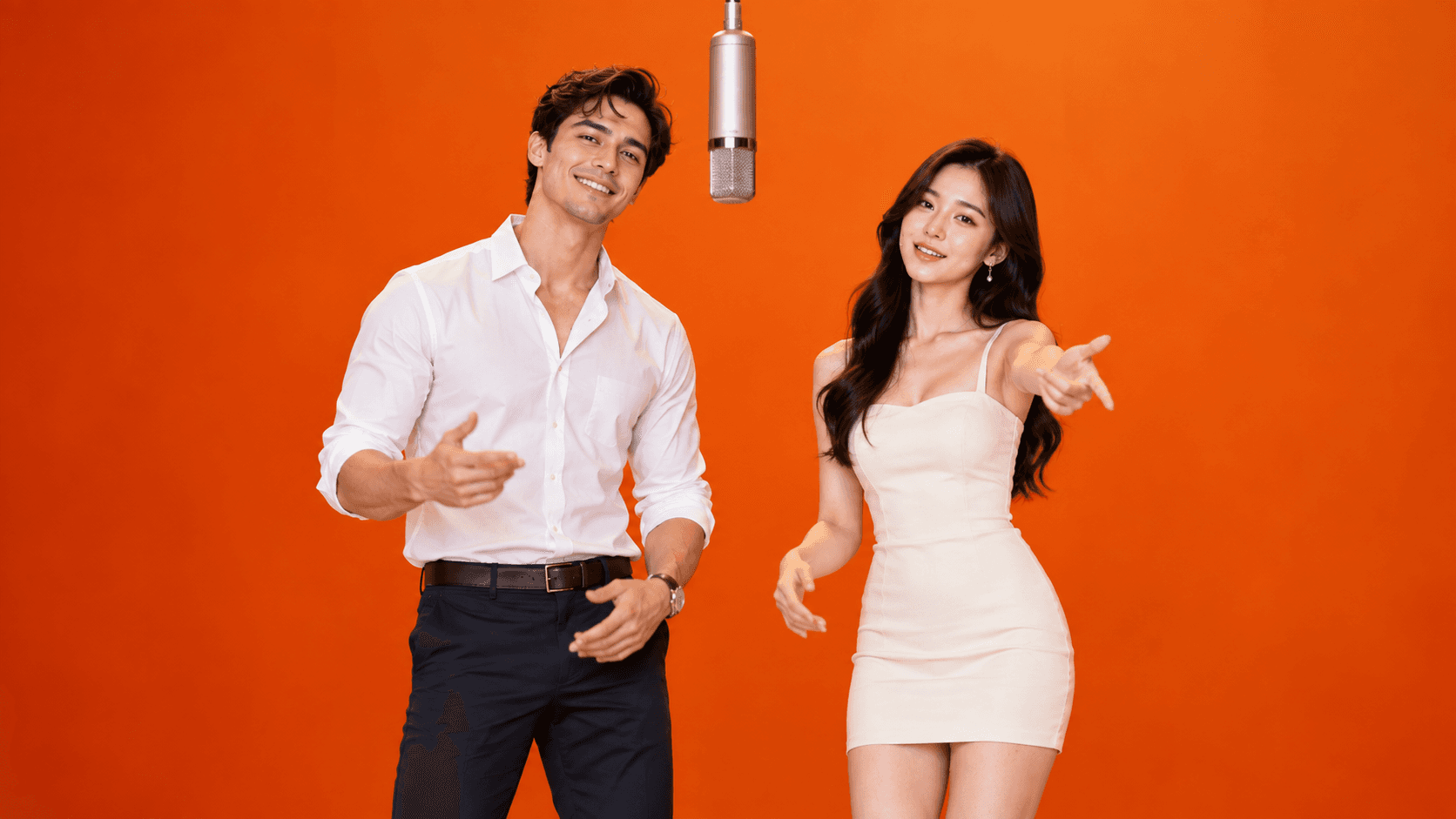
Hotel Lobby AI

The Hotel Lobby AI video generator is made for a two-person performance. Upload one clear portrait for the left performer and another for the right. Vidoro uses the photos as identity references while the template keeps its orange booth, suspended microphone, front-facing camera and coordinated gestures.

This focused setup removes the uncertainty of an open text prompt. You already know how many people appear, where they stand and what kind of performance the result follows. The main creative choice is who takes each role.

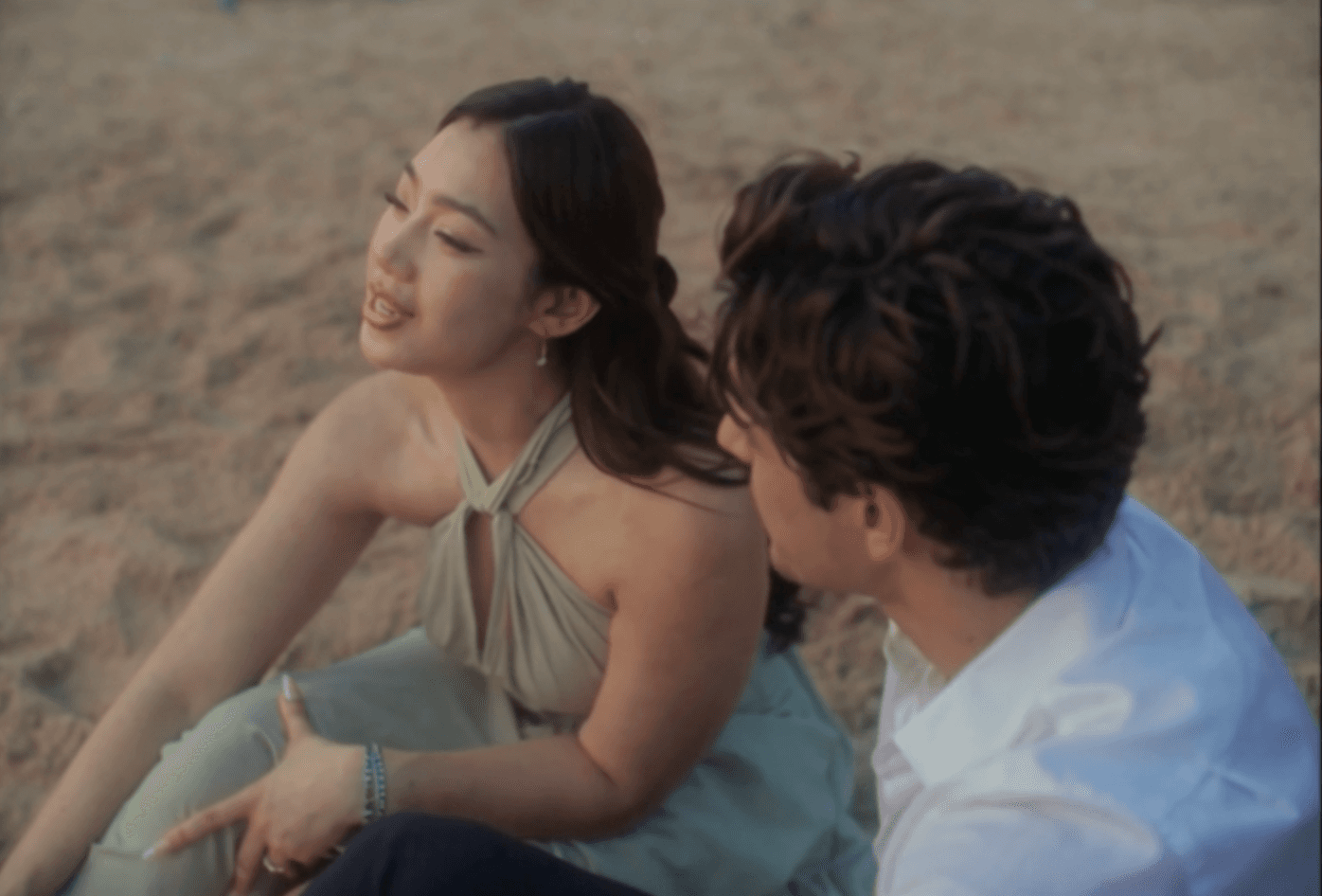
Raindance AI

The Raindance AI video generator starts with two portraits and gives each person a separate role in a directed 15-second performance. The template supplies the scene changes, framing and motion while the two photos provide the character references.

Results can vary with lighting, pose and image clarity, so use clear photos with visible faces and upper bodies. The focused two-person format lets you begin without writing a complex production prompt.

How it works

From portrait to a finished clip in three steps.

  1. 01

    Choose a template

    Pick Hotel Lobby AI or Raindance AI for a directed two-person performance. Each template has its own composition and motion direction.

  2. 02

    Upload your photos

    Use one clear portrait for Person 1 and another for Person 2, with visible faces and upper bodies. Only upload images you have permission to use.

  3. 03

    Generate about 15 seconds

    Vidoro prepares an identity-aware starting frame, submits the motion task and gives you a result page for progress, playback and download. Most tasks complete within a few minutes.

Browser utilities

Other video tools

Need to work with an existing file instead of generating a new video? These private browser tools handle compression and conversion locally on your device.

Built around clear outcomes

Why Vidoro starts with templates.

Open-ended AI video systems can create many kinds of scenes, but they also ask the user to describe camera movement, lighting, character placement, timing and style. A small wording change can produce a very different composition. Vidoro takes a narrower approach: each generator is designed around one recognizable result.

That structure makes the workflow easier to understand and the outputs easier to compare. A template establishes the number of performers, the aspect ratio, the visual environment and the broad movement sequence. Your photos provide the identities. You can focus on selecting good references instead of debugging a long prompt.

AI motion still varies, especially around hands, turns and partially hidden faces. A clean portrait gives the system better evidence, but no generator can promise a frame-perfect identity in every moment. Every generation is paid with credits from your account, and a generation that the provider confirms as failed returns its held credit automatically.

Vidoro is evolving around practical AI video formats that feel complete without editing expertise. New templates will follow the same principle: a clear input, an understandable output and honest guidance about what the model can and cannot preserve.

FAQ

AI video questions, answered.

How does Vidoro turn a photo into an AI video?

Choose a template and upload the requested portrait or portraits. Vidoro prepares a starting frame that preserves the supplied identities, then animates that frame through the template's fixed 15-second performance.

What is the difference between Hotel Lobby AI and Raindance AI?

Both formats use two portraits with separate character roles. Hotel Lobby AI follows a fixed orange-studio performance, while Raindance AI uses its own directed 15-second template with cinematic scene changes.

How much does an AI video generation cost?

One credit covers one 15-second 720P generation, and 1080P costs 1.6 credits where a tool supports it. Credits are one-time purchases with no subscription, and a failed generation returns its held credit automatically.

Do I need video editing experience?

No. The templates already define the composition, movement and duration. You choose a format, upload clear photos and wait for the result. Raindance videos are silent, so authorized music is added later inside the publishing platform.