
Your media stays local
The original GIF remains in browser memory on your device.
Private GIF compression
Reduce the file size of an animated GIF without turning it into a video or sending it to a conversion server. Choose a compression level, compare the measured result, and download a smaller GIF directly from your browser. No account is required.
Files never leave your device.
Local GIF workspace
Choose a GIF, select how strongly to reduce it, and download another GIF.
Local by design
Vidoro uses FFmpeg WebAssembly inside your browser. The selected GIF is read from browser memory, decoded frame by frame, rebuilt with a new color palette, and made available as a local download. The source GIF is not uploaded to Vidoro's conversion backend or sent to a third-party compression API.
The FFmpeg WebAssembly core may be downloaded from its CDN when you first use the tool, so the page can make network requests for application code. That is different from uploading your media: the GIF itself remains on your device throughout compression.
The original GIF remains in browser memory on your device.
Choose, compress, compare, and download without signing in.
The output keeps the GIF format and animated frame sequence.
Illustrative example
Actual results depend on dimensions, frame count, colors, motion, transparency, and how efficiently the source GIF is already encoded. The example describes a possible outcome, not a guaranteed reduction.
Before
4.8 MB
After
1.1 MB
≈ 77% smaller
Three real steps
The workflow stays focused on one job: an existing GIF goes in and another, usually smaller, GIF comes out. The visible steps below use the same instructions as the HowTo structured data.
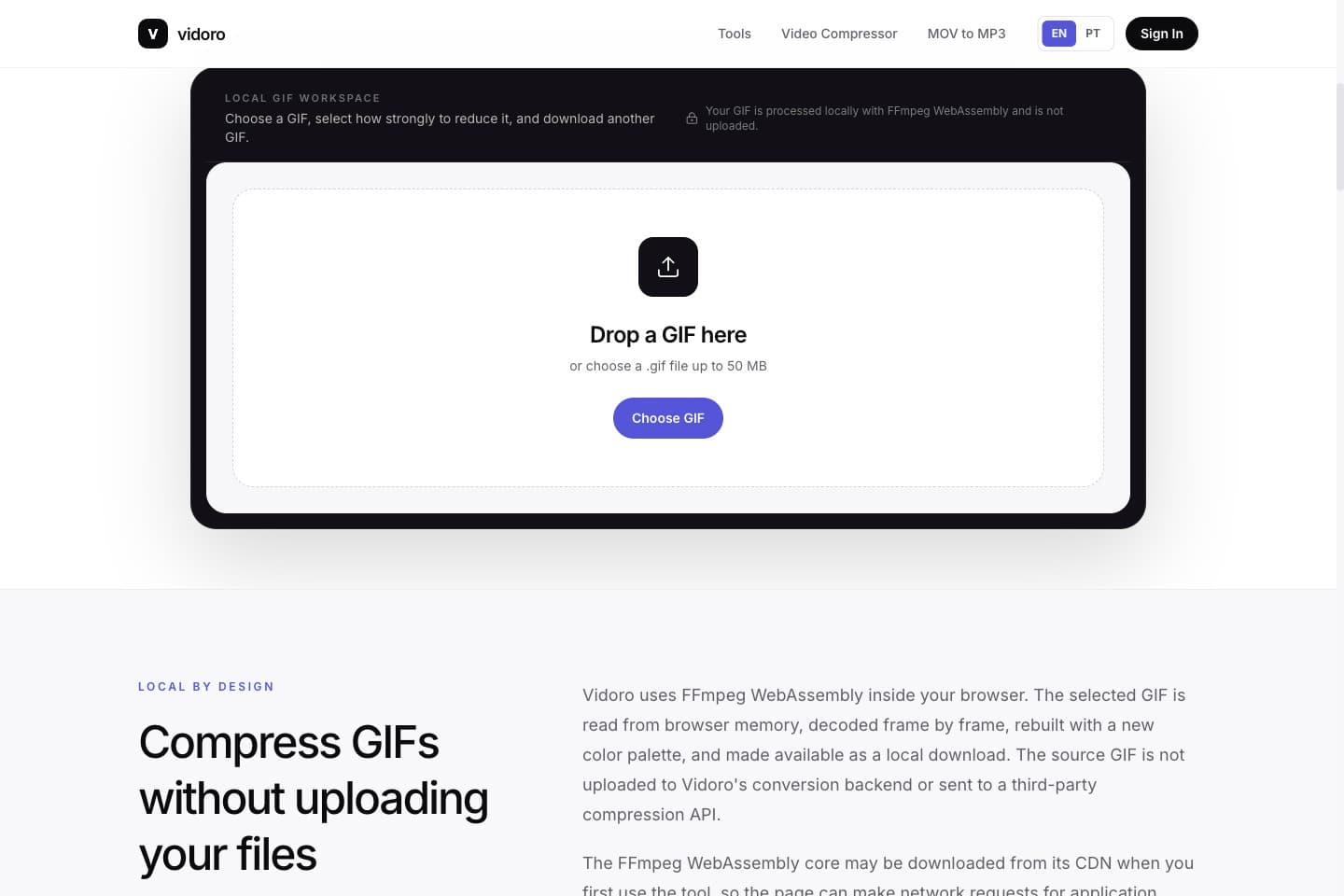
Choose an animated .gif file up to 50 MB. Vidoro checks the extension, browser MIME type, and GIF87a or GIF89a file signature before enabling compression. The preview remains local and lets you confirm that you selected the right animation.
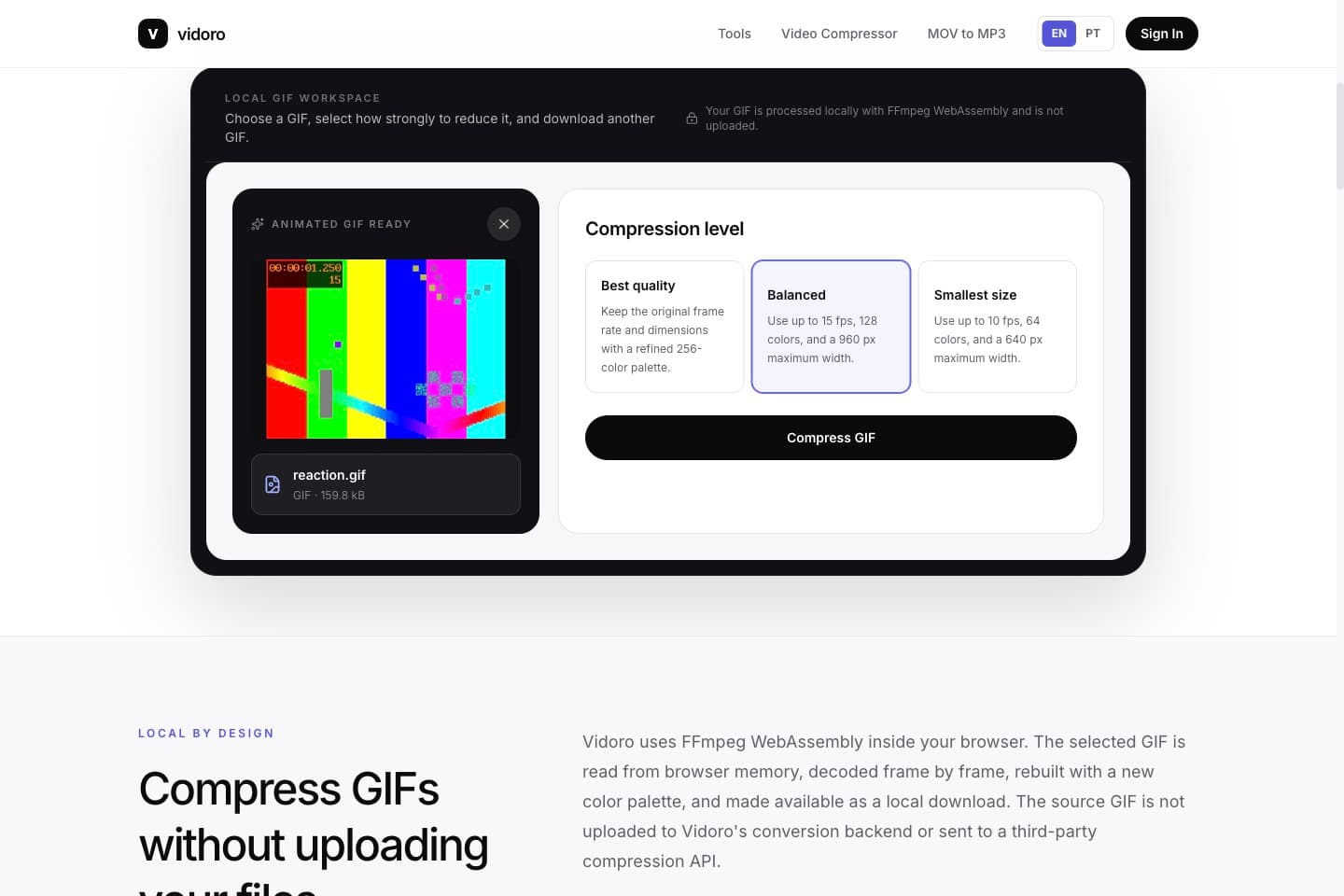
Start with Balanced for most reaction GIFs and memes. Best quality retains the source dimensions and frame timing while optimizing the palette. Smallest size reduces frame rate, colors, and oversized dimensions more aggressively when an upload still gets rejected.
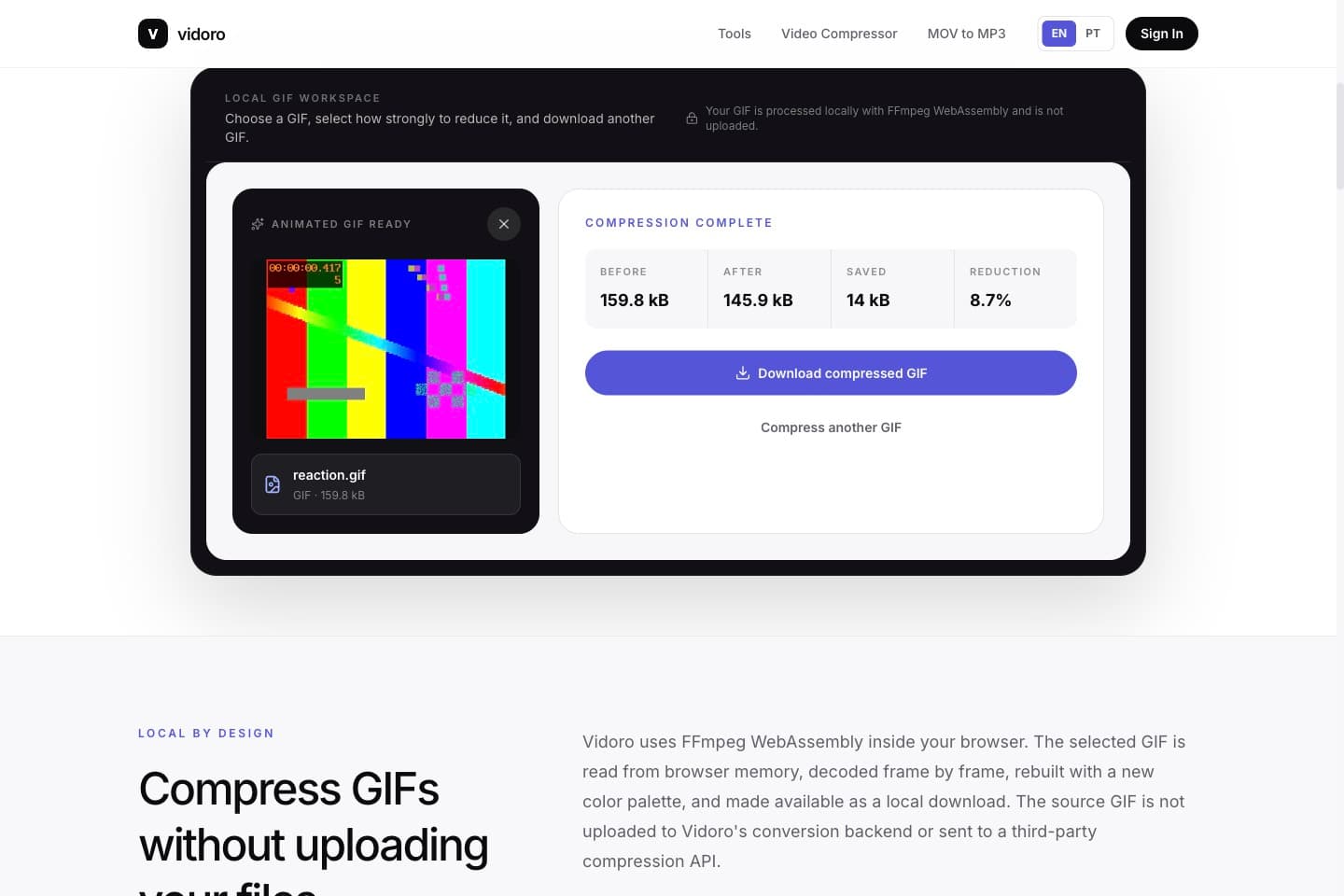
Wait for the real FFmpeg progress to complete, then compare Before, After, Saved, and Reduction values calculated from the actual files. Download the result as a .gif and open it once before replacing your original, especially when small text or transparency matters.
Made for real upload problems
A useful compression level depends on where the animation will appear and what viewers need to recognize. These practical starting points avoid invented platform limits and keep the output in GIF format.
Reaction GIFs are part of everyday conversation in Discord servers, but an oversized animation can be rejected when it exceeds Discord's current upload limit. File weight often grows because a GIF combines many full or partial frames, a large canvas, and a broad color palette. A short reaction at modest dimensions can still become surprisingly heavy when it contains rapid motion, film grain, or dozens of near-duplicate frames.
Start with Balanced. It caps very large dimensions, reduces the palette to 128 colors, and limits playback to 15 frames per second while preserving the animated GIF format. Check faces, captions, and transparent edges in the result. If the file is still too large for the server or community where you want to post it, use Smallest size. That profile trades more temporal and color detail for a lighter reaction GIF without changing it into a video.
Animated reactions and meme GIFs need to remain readable while moving quickly through a timeline. Large source dimensions rarely add value when the animation appears inside a post, but they increase the number of pixels encoded in every frame. Long loops, high frame rates, gradients, and camera footage also make a GIF harder to reduce than simple illustrated motion with flat colors.
Use Balanced first for a practical posting copy. It lowers unnecessary frame density and palette complexity while keeping enough visual information for expressions and text. Preview the completed GIF and verify that its loop, captions, and key movement still make sense at timeline size. If the platform's current upload requirements still reject it, Smallest size can reduce dimensions and frame rate further. Vidoro does not publish a fixed X limit because platform rules can change; the measured After value is the number to compare with the current upload screen.
A GIF used in a newsletter, campaign, attachment, or message adds to the amount a recipient must download. Email providers and marketing platforms do not share one universal file limit, and an animation that works as an attachment may still feel slow when placed inside the body of an email. Mobile inboxes make the cost more visible because recipients may be using limited data or a weak connection.
Balanced is a sensible starting point for most email animations. Keep the canvas close to the size at which the GIF will actually be displayed, and use Smallest size when loading speed matters more than smooth motion. After compression, send a real test email to yourself and inspect it on both desktop and mobile. Confirm that the first frame communicates something useful, the loop remains correct, and any text is legible. The final email may add its own processing, so testing the delivered message is more reliable than assuming every provider behaves the same way.
Every byte in an animated GIF must travel to the visitor before or during playback. A large animation can delay meaningful content, consume mobile data, and compete with fonts, images, scripts, and other page resources. The main drivers are canvas dimensions, frame count, frame rate, color variation, transparency, and motion. A visually small badge can still carry a large source canvas that the browser later shrinks with CSS.
Resize the animation for its real layout rather than shipping unused pixels. Balanced limits oversized GIFs to a 960 pixel maximum width; Smallest size uses 640 pixels and a more compact palette. Both preserve aspect ratio and never enlarge a smaller source. Compare the measured output, then test the actual page on a phone and a slower connection. GIF compression is only one part of performance work, but reducing transferred bytes makes the animation less expensive without changing this page into a video-conversion workflow.
Questions, answered
Usually, yes. GIF compression can reduce colors, frame rate, or dimensions, depending on the preset. Best quality changes the palette while retaining the original dimensions and timing. Balanced and Smallest size make stronger tradeoffs. Preview faces, captions, gradients, and transparent edges before replacing the source.
Yes. The browser tool decodes the animated GIF, rebuilds a shared palette, and encodes another animated GIF. It does not intentionally select only the first frame. The result uses the .gif extension and image/gif MIME type.
There is no fixed percentage. A large, high-frame GIF with many similar frames may shrink substantially, while an already optimized animation may become only slightly smaller or even larger. Vidoro reports the actual Before and After sizes instead of promising a standard reduction.
The first release accepts GIF files up to 50 MB. GIF decoding can expand compressed frames into a much larger amount of browser memory, so this deliberately conservative limit protects phones and memory-constrained laptops better than a copied video-file limit would.
No. The GIF is processed in your browser with FFmpeg WebAssembly and is not uploaded to Vidoro's conversion backend. The browser may download the FFmpeg application code from a CDN, but your selected media file remains on your device.
A current mobile browser can run the tool, but animated GIFs can require far more decoded memory than their file size suggests. Start with a smaller GIF, keep the tab open, and use a desktop for files approaching the 50 MB limit.
GIF compression starts with an existing .gif and produces another .gif. Video-to-GIF conversion starts with MP4, MOV, or another video format and creates a GIF. Vidoro's GIF Compressor does not accept video files, so the two search intents and workflows remain separate.
The source may already use an efficient palette, frame-difference strategy, or dimensions. Re-encoding can add bytes when there is little redundant data left to remove. You can still download the result, but try Balanced or Smallest size if your goal is a lower measured file size.
Related tools
GIF Compressor only makes an existing GIF smaller. Use these separate Vidoro workflows when your source or desired output is different.