
Step 1
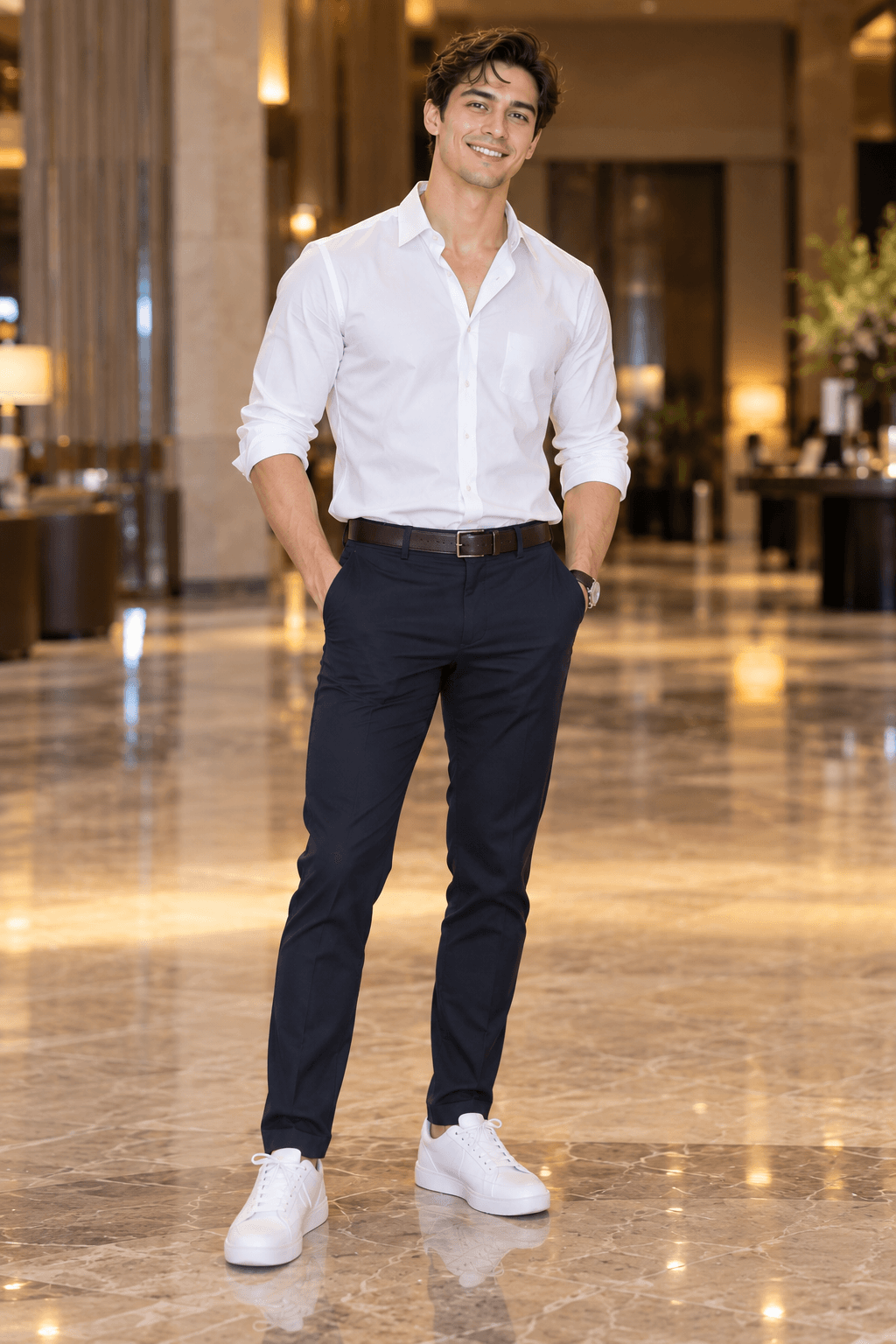
Choose one clear photo for each person
Pick separate portraits with both faces looking toward the camera. Hair, jawline and clothing should be visible. Do not use a side profile, sunglasses or a frame where another person covers part of the face.
Tip: use a clear front view. Avoid side profiles and any photo where two people obscure one another.
Step 2
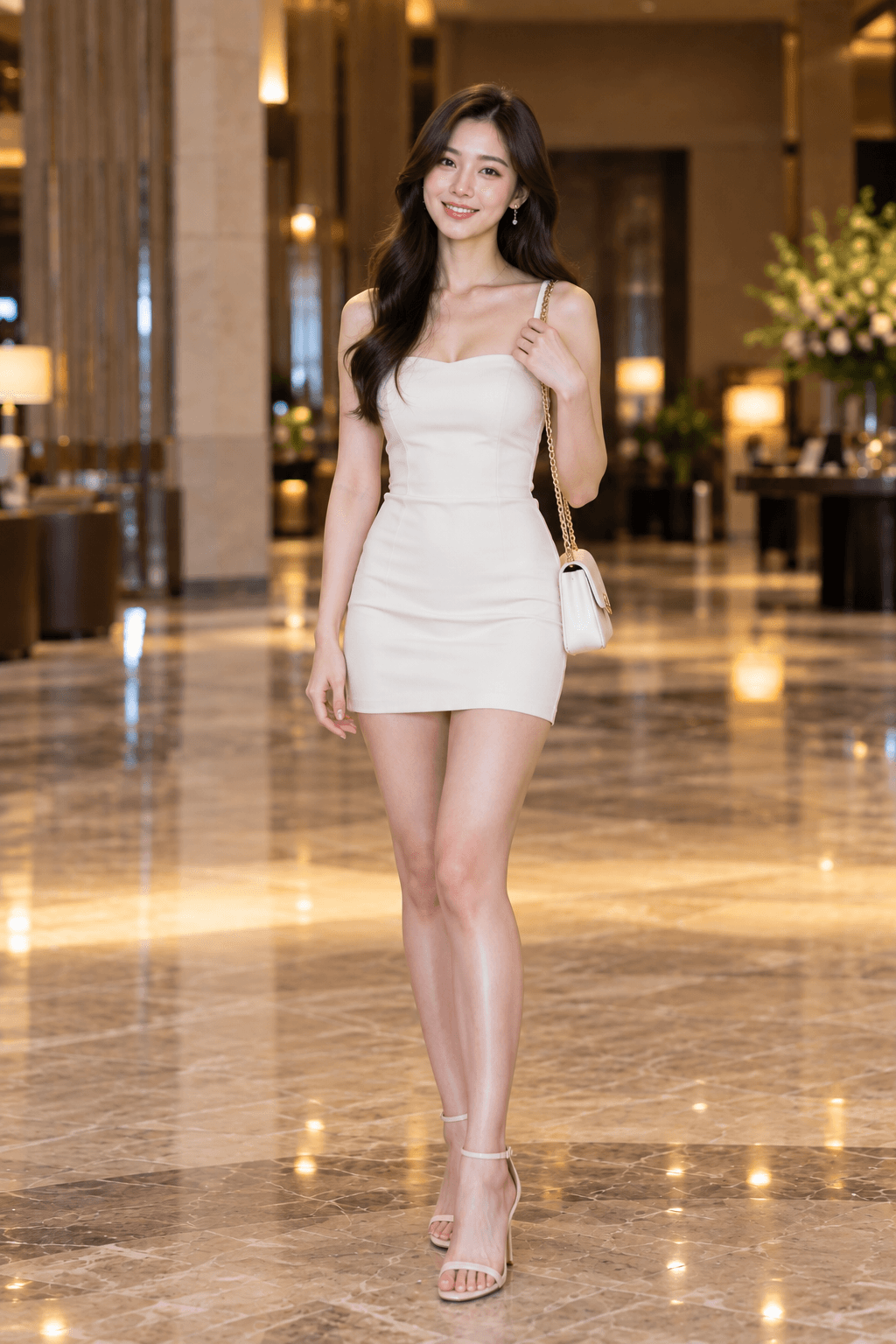
Assign the left and right performers
Upload the person who should stay on the left as Person 1. Upload the person who should stay on the right as Person 2. Do not place both people in one source photo or use images where their bodies overlap.
Tip: use a clear front view. Avoid side profiles and any photo where two people obscure one another.
Step 3
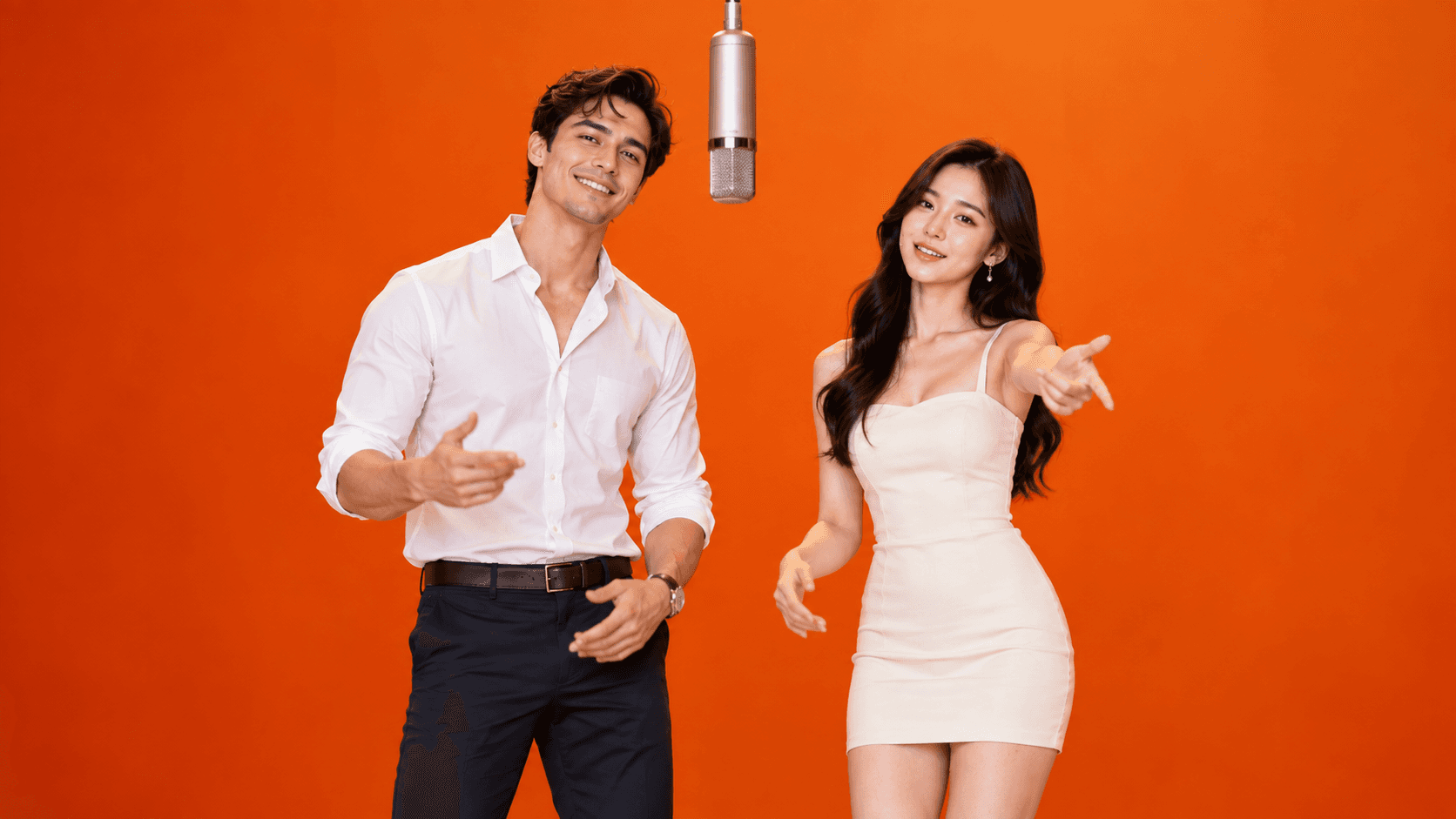
Generate the complete 15-second performance
Start the free 720P generation and keep the result page open. The fixed template controls the orange studio, microphone, camera and movement sequence. Processing usually completes in under three minutes.
Tip: use a clear front view. Avoid side profiles and any photo where two people obscure one another.
Step 4
Open the tool and make your first version.
The first 15-second 720P generation is free and includes a small Vidoro watermark. You do not need a credit card or account to test your two portraits.
Try Hotel Lobby AI free